For language teachers
Stop typing flashcards.
Photograph the page instead.
Turn any page of your textbook into a study set your students open with one link — no app to install, no accounts to create, no passwords to reset.
Create your first course — freeFree for 3 decks. No card required.
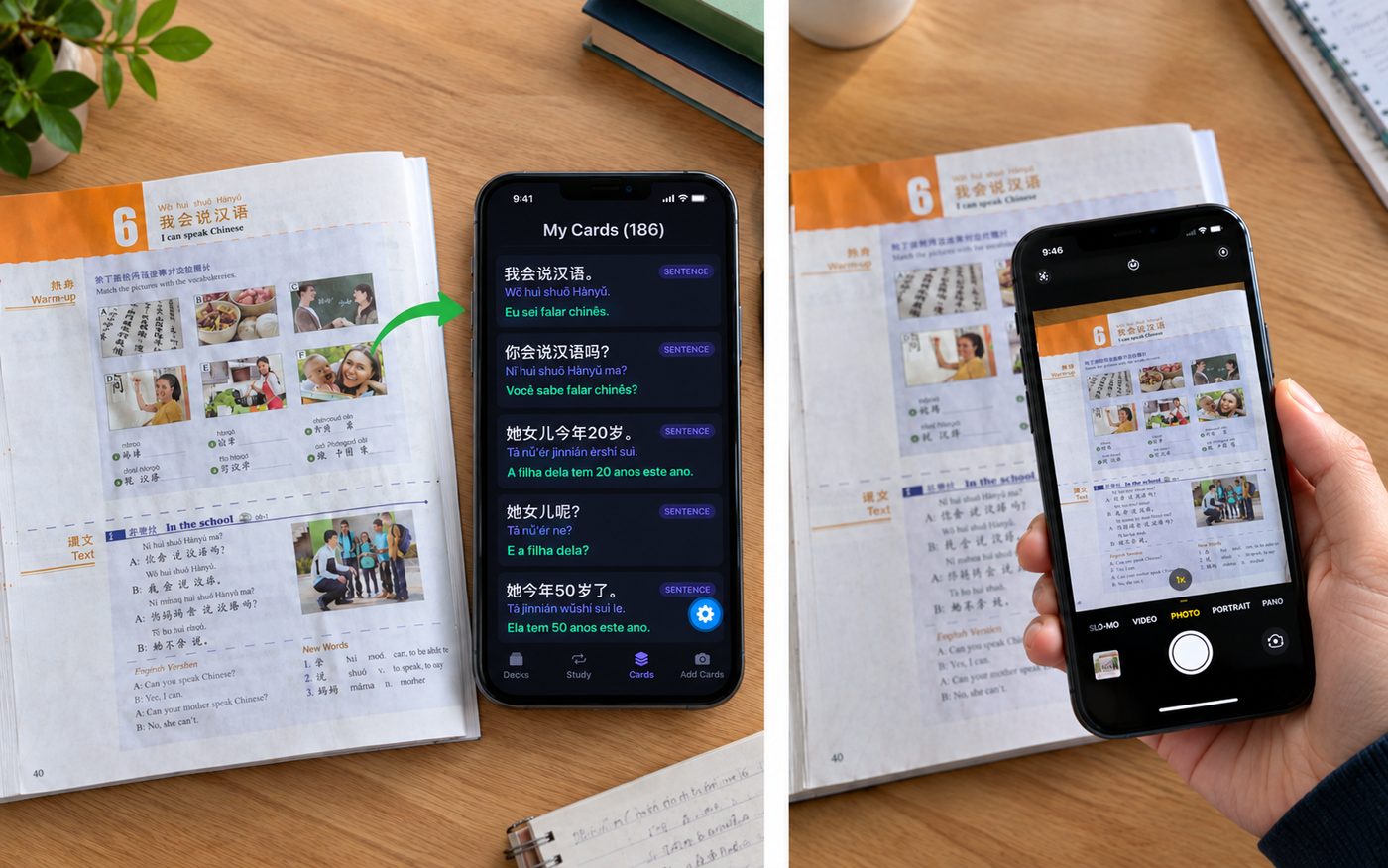
You already know the pattern. You spend an evening copying vocabulary into Quizlet. Half the class never downloads the app. By next lesson, most of them have forgotten the words anyway — because nothing happened in between.
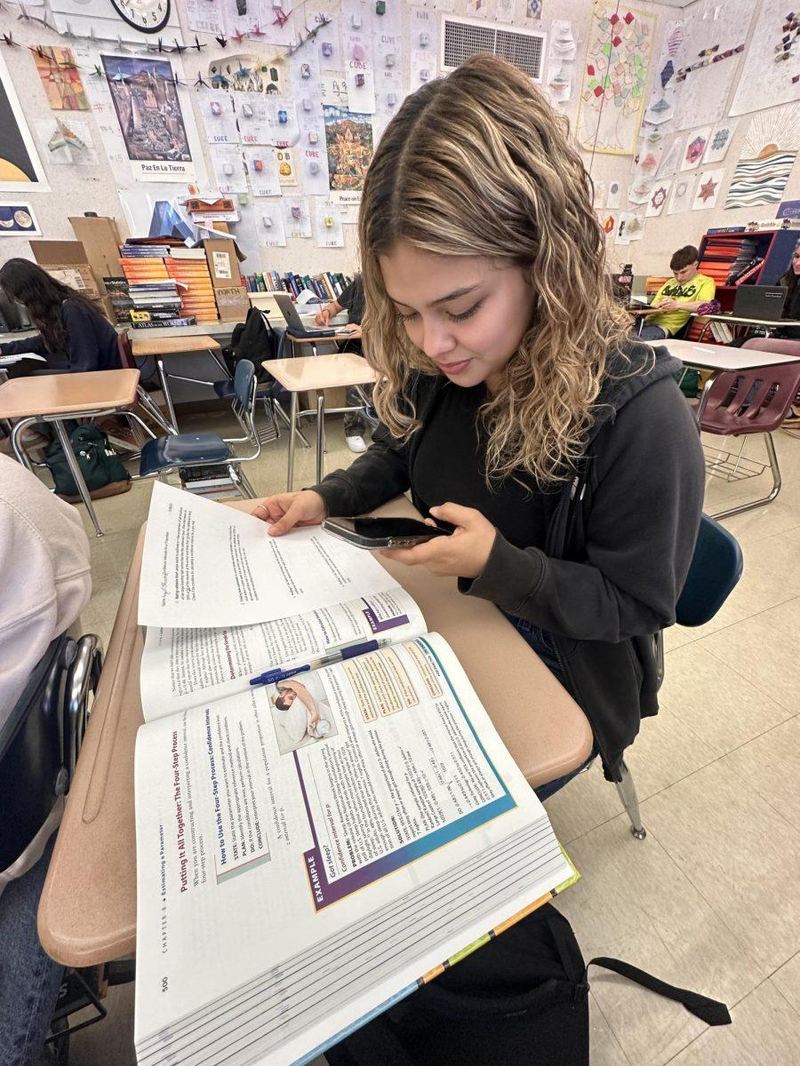
Three steps, about two minutes
Photograph the page
Any textbook, any language. Handwriting and photocopies work too.
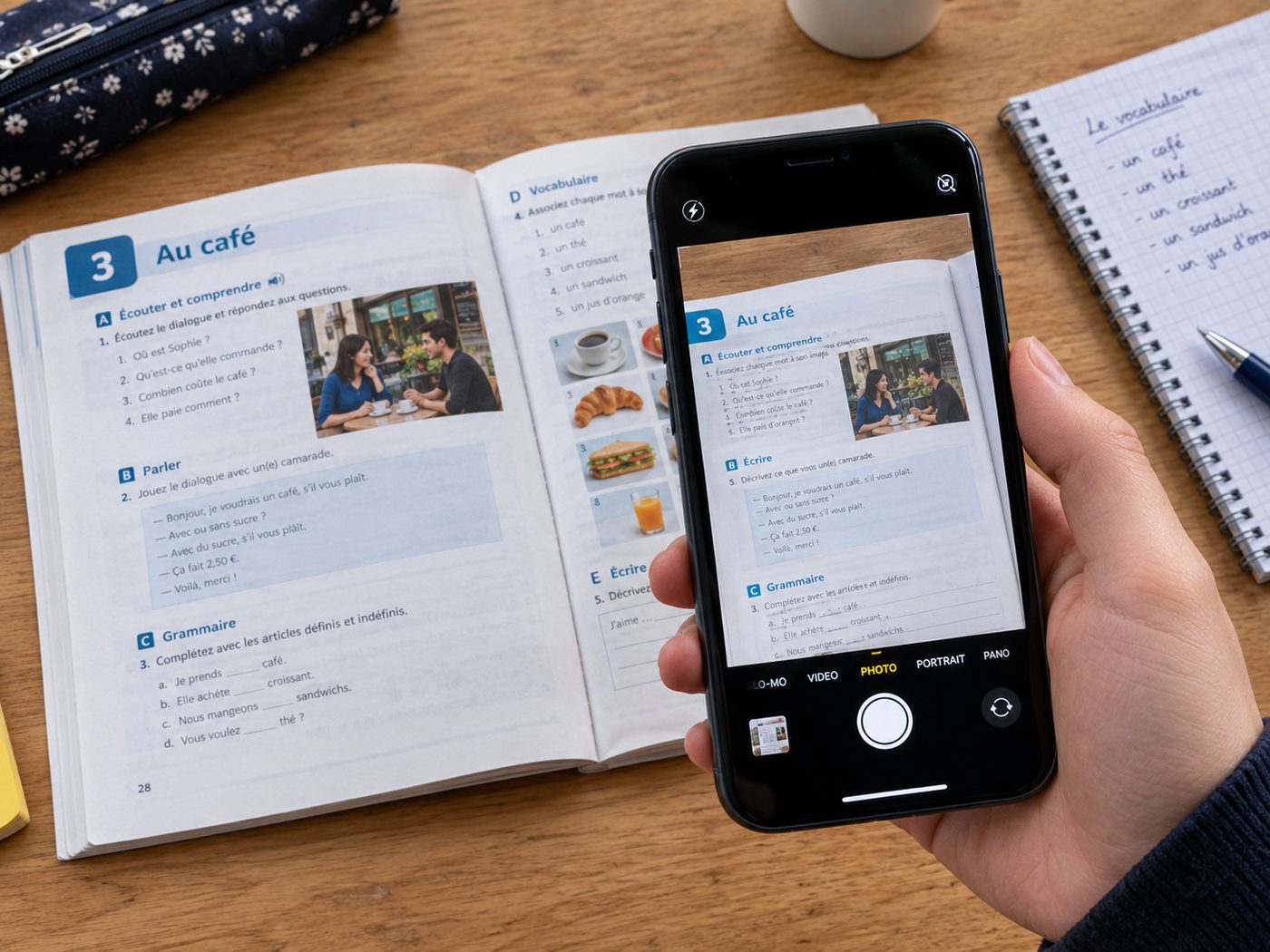
Check what it made
Cards come back with pronunciation and audio. You approve each one before anything is saved — nothing reaches your students unless you say so.
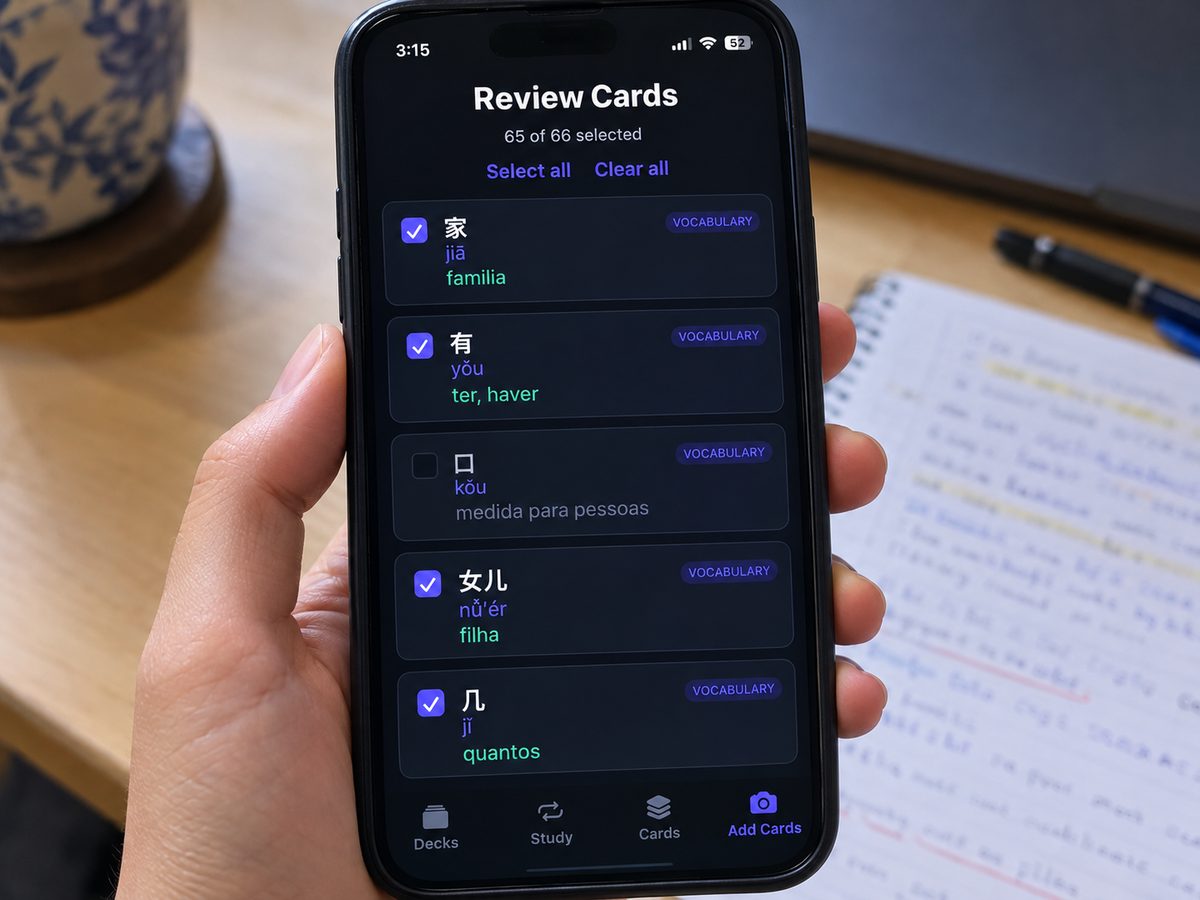
Send one link
Paste it into WhatsApp or your class group. Students tap it and start studying — in their browser, straight away.
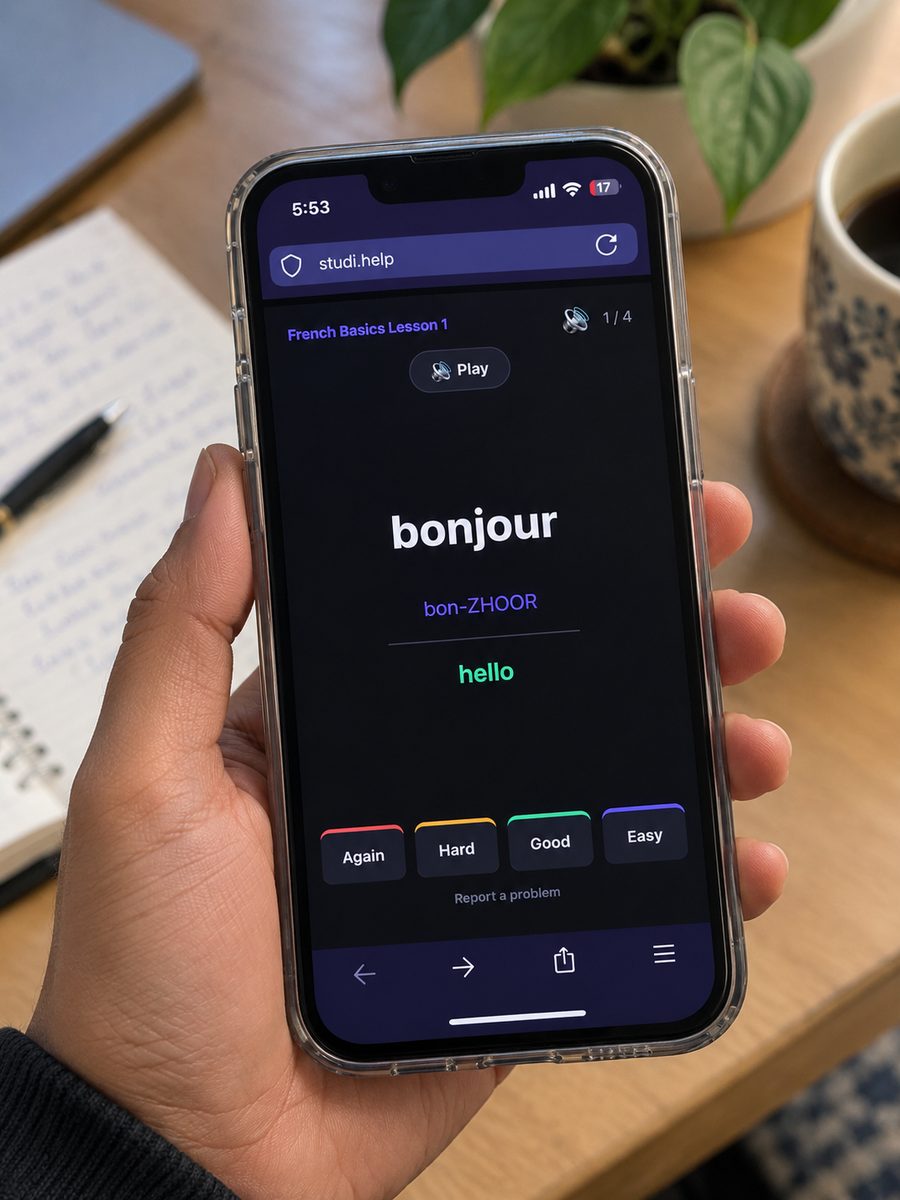
What your students actually get
- Words come back before they forget them. Spaced repetition schedules every card for the moment it's about to slip — the same approach serious learners already use.
- They hear it, not just read it. Every card can have audio. Record it in your own voice if you'd rather they hear you.
- Nothing to install, nothing to log into. One link, any browser. No lost passwords, no accounts to manage.
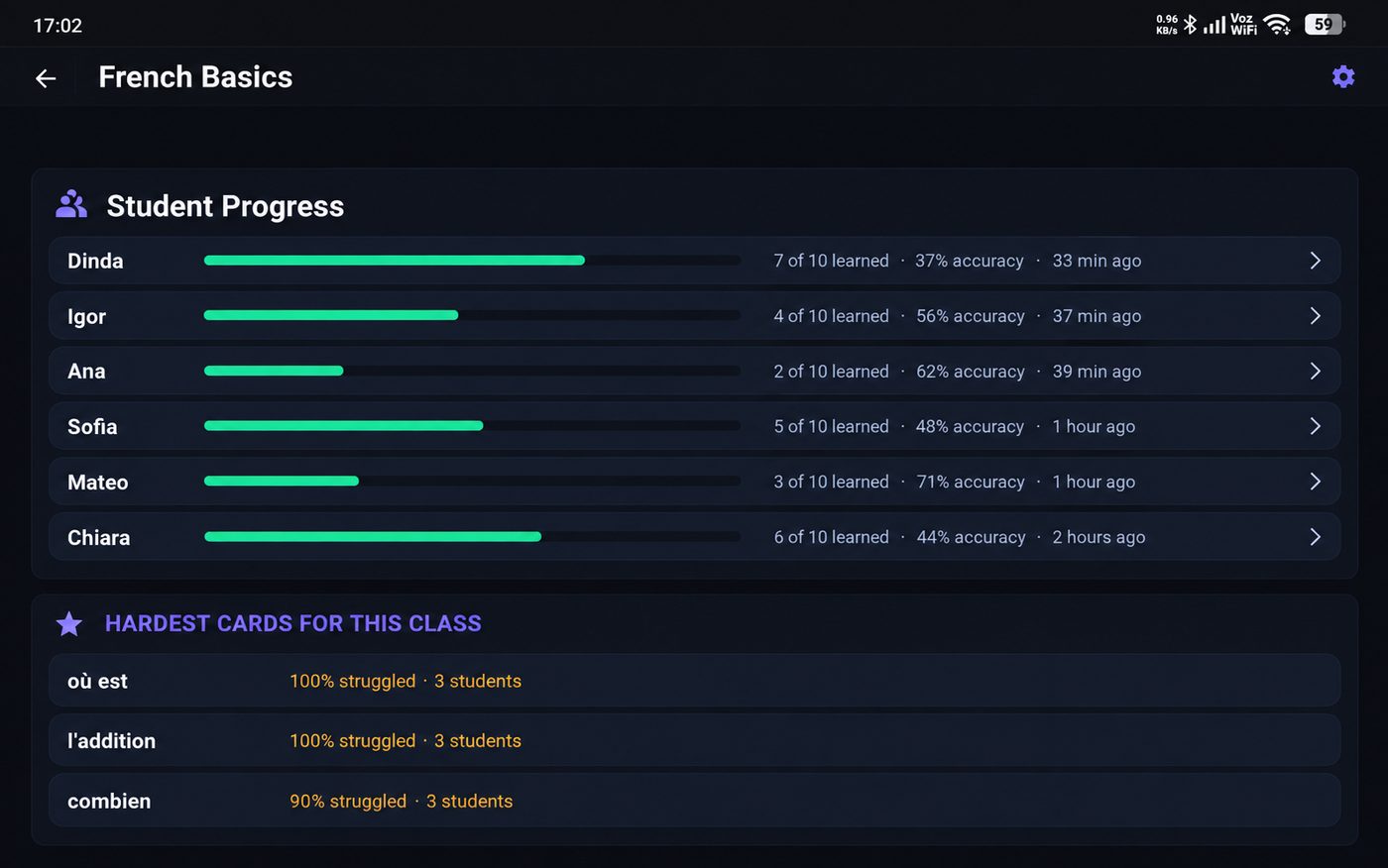
- You can see who's actually studying. Per-student progress, accuracy, and which cards the whole class keeps getting wrong.
- Students find you, not a marketplace. Your public profile shows your courses and your booking link — with no cut taken from your lessons.
Pricing
Free
Enough to run a real class
- Up to 3 decks
- 10 photo or PDF pages a month
- Unlimited cards from pasted text
- Audio on every card
- Share with unlimited students
- Student progress tracking
- A profile page to send students
Pro
$9.99 / month
- Unlimited decks
- Unlimited photo and PDF pages
- Everything in Free
Cancel anytime. Tax added at checkout.
No commission, ever. You keep 100% of what your students pay you.
Why this exists
I built StudiHelp while learning Chinese from a paper textbook. I kept retyping the same words into other apps by hand, and kept forgetting them anyway between study sessions. What changed things was cards that came straight from the page I was already working through — and that I could review anywhere, from a link. Now I'm opening it up to other language teachers.
Questions teachers ask
Do my students need to download anything?
No. They open your link in whatever browser they already have. That's the whole point.
Do they need to create accounts?
No. They type their first name once and start. Their progress is remembered on their device.
Which languages work?
Any pair — you set what you teach and what your students speak. It's been tested most heavily on Chinese, Spanish and Portuguese.
How is this different from Quizlet?
Quizlet expects you to type every card. StudiHelp reads them off a photo of your textbook — and you approve each one before it's saved.
What if it gets something wrong?
You review every card before saving, and can edit or delete any card later. Students can flag anything that looks off, and it lands in your dashboard.
Is the free tier a trial?
No. Three decks, unlimited students, no time limit. If that's all you need, that's genuinely all you need.
Try it with one lesson
Photograph a page you're teaching this week and see what comes back.
Create your first course — free